

A No-Guilt Guide to Screen Time in Your Homeschool
Someone recently asked me if I feel guilty letting my kids use a screen during school time. I had Spotify playing, a graphic I was designing open on my laptop, and a Google Meet music lesson coming up in twenty minutes. So.
I made another cup of coffee and thought: we have to talk about this.
Because here’s the truth: I pay my property taxes online. I Google Meet my kids’ music lessons and video call family I love. I have Spotify running on continuous loop because, frankly, I would be a terrible Luddite and silence is not my friend. I design graphics, use the internet to plan field trips, and I’ve spent a genuinely happy afternoon setting up protected networks for my kids. [see this post] As I’m trying this, I hear my daughter doing an algebra lesson video, coordinating with her on-paper curriculum, but the video explainer is online, nonetheless.
I check the weather to see if we’ll get drenched by unpredictable Texas rain before we even make it out of the car at our destination.
The screen is not the enemy.

Therefore, I am the last one who should be handing you another rigid set of rules — so I won’t. What I will give you is a framework.
But I also know what it looks like when a child is being used by a screen instead of using it. You’ve seen it. The glazed-over eyes. The short fuse when you say it’s time to stop, like a puppy who doesn’t want to give you the ball to fetch again. The forty-five minutes that vanished into some autoplay abyss while the sun was outside just waiting.
So I want to offer you something today. Not a rigid screen-free manifesto. Not a guilt trip. Just a simple framework I’ve started using in our home that has completely changed the conversation.
I call it the Tool vs. Teaser Test.
What Does “Screen-Free” Actually Mean in Real Life?
Let’s clear something up right away, because the phrase “screen-free homeschooling” can send a mom into a spiral of anxiety faster than a surprise co-op cancellation via text, halfway to the building.
Digital intentionality — not digital elimination — is the real goal. In 2026, that distinction matters more than ever. The research on active versus passive screen time is pretty clear: what your child does on a screen matters far more than how long they’re on it.
A child who spends thirty minutes designing a birthday card for her grandmother on a creative platform is building artistic skills, practicing decision-making, and creating something with genuine meaning. A child who spends thirty minutes clicking a repetitive mobile game is… well. Just clicking buttons.
Same device. Completely different experience.
The goal isn’t a screen-free life. It’s a life where you are the boss of the machine — not the other way around.
This is your permission slip, friend. You are allowed to use technology. You are allowed to let your kids use technology. The question worth asking isn’t “how much?” — it’s “to what end?”
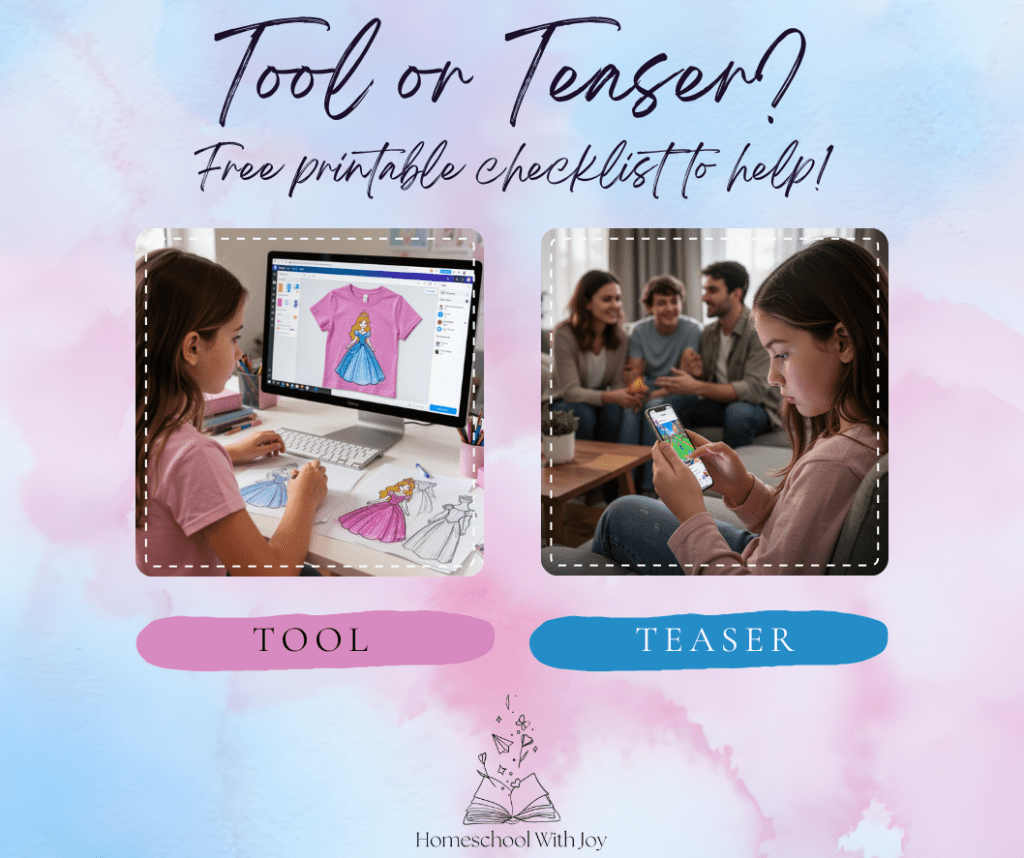
The Tool vs. Teaser Framework
I started thinking about this the day my daughter asked to use the computer. I was about to say yes automatically — and then I stopped and thought about why she wanted it. Was she going somewhere intentional, or just… drifting?
That moment gave me the framework. Every screen interaction in our home now falls into one of two categories.
🛠️ It’s a Tool if…
- It has a “done” point. You get on, accomplish the task, and get off. The bill is paid. The email is sent. The design is exported. There’s a finish line.
- It creates something real. Your child is making a shirt design, writing a story, composing music, or building a presentation. They are producing, not just consuming.
- It solves a specific problem. You’re using a plant identification app to figure out what’s growing in the backyard. You’re doing the taxes on Turbotax (which I did yesterday, blarg). There’s a clear reason.
- It builds genuine connection. A video call with a grandparent. A shared apologetics podcast listened to with a child. A collaborative project done together. The screen is a bridge to something real, not a destination.
- The brain is “on.” The child is engaged, making choices, figuring something out. There’s a spark of curiosity or effort there — you can see it on their face.
🎢 It’s a Teaser if…
- The scroll never ends. If there’s no natural stopping point built into the app — autoplay, infinite feed, “just one more level” — it’s designed to hold attention, not serve it.
- It’s running from boredom, not toward something. “I’m bored” is a checking out of life and can be a habit! Downtime is where creativity can live! Using a screen to fill every quiet moment short-circuits that beautiful, productive discomfort where ideas happen.
- The zombie stare appears. Minimal blinking. Slight mouth-breathing. High irritability when interrupted. If you recognize this, you recognize a Teaser.
- The digital world is the destination. Not a tool to get somewhere — just a place to exist, passively, while real life waits outside.
“Are we using this as a tool to create something — or are we just looking for a teaser because we’re bored?”
That question has become something like a household phrase around here. It sounds simple, but it has opened up some genuinely wonderful conversations about purpose, creativity, and what we actually want to do with our time.
Subscribe to get access to my printable library and download your own Tool or Teaser checklist!
Three Tool-Based Projects to Try This Week
Because I am, above all things, a practical person who knows you need something to actually do with this framework, here are three ideas to get you started. All of them use screens. All of them are solidly in Tool territory.
1. Design Something Real
Let your child design a T-shirt, a birthday card, a poster for their bedroom door, or a logo for an imaginary business. Or make a real business happen! Free creative platforms are incredibly robust these days, and the skills involved — layout, color theory, typography, decision-making — are legitimately educational. I recommend using Canva, where you can design and print all in one program. When the design is done, print it or save it. Done point achieved.
2. The Grandparent Interview
Hand a child a device with a voice memo app and a list of five questions. Send them to call, video chat, or voice-message a grandparent, elderly neighbor, or family friend. Ask about their childhood. Their favorite memory. What the world looked like when they were young. What it was like to wait a week to know what happens next in a favorite show!
This is oral history. This is connection. This is a Tool doing exactly what it should be doing — building a bridge between generations.
3. The Backyard Field Guide
For my Texas mamas especially: take a plant or bird identification app outside. Spend twenty minutes in the backyard identifying what’s actually growing and living there. Look it up. Write it down. Sketch it if you want.
You’ve just covered nature study, research skills, and — depending on how you document it — writing. The screen was a tool. The learning happened in the sunshine.
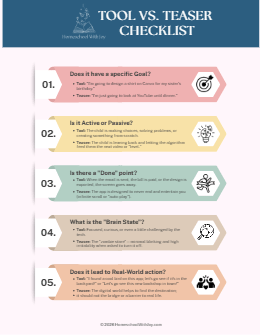
The Tool vs. Teaser Checklist
Before the screen comes out — for you or for the kids — run through these five questions. You don’t need all five to be “yes” for something to count as a Tool. But they’ll help you feel it out.
- Does it have a specific goal? “I’m going to design a shirt for my sister’s birthday” is a goal. “I’m just going to look at YouTube until dinner” is not.
- Is it active or passive? Is the child making choices, creating, solving? Or leaning back while the algorithm serves up the next thing?
- Is there a “done” point? When the email is sent, the bill is paid, the design is exported — the screen goes away. If there’s no natural end, that’s your signal.
- What’s the brain state? Focused and curious, or glazed and irritable? You’ll know the difference the moment you look at their face.
- Does it lead to real-world action? “I found a cool bird on this app — let’s go look for it in the backyard!” The digital world should be a bridge, not the destination.
If it hits 3 out of 5 on the Tool side, give yourself a permission slip. If it’s all Teaser — it might be time to close the laptop and go find some real-life pinecones.
If You Want to Go Deeper
I am, at my core, a reader. So when I started thinking seriously about this topic, I went to the books. These three have shaped my thinking more than almost anything else I’ve encountered on screens and kids — and I recommend them wholeheartedly. Not to scare you, but to equip you.
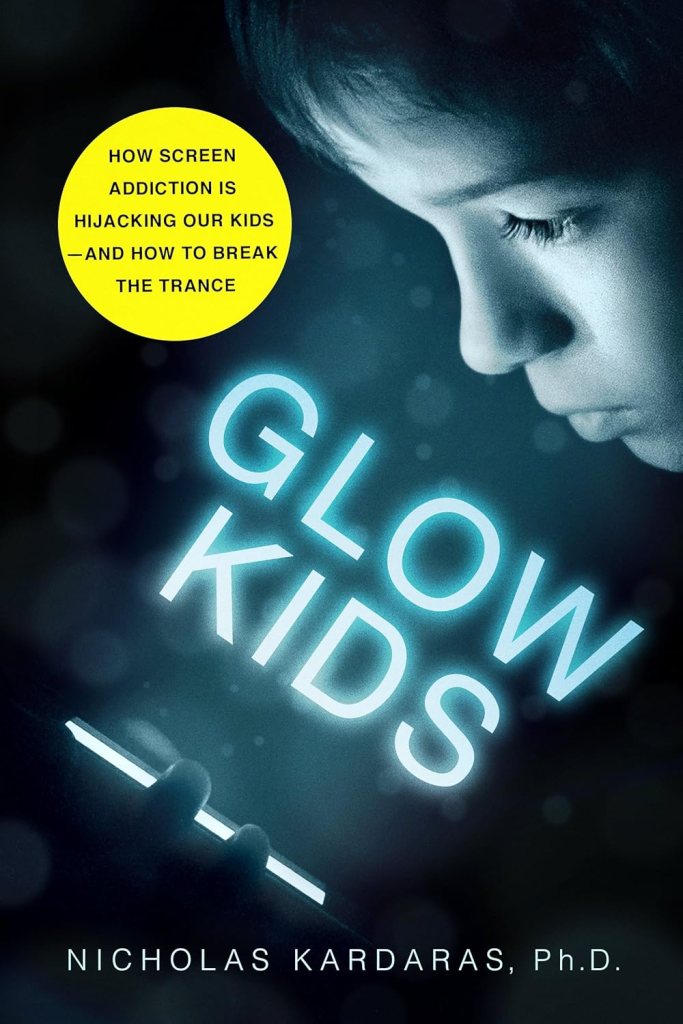
Glow Kids — Nicholas Kardaras
This one is serious and worth every page. Kardaras makes a compelling, research-backed case for why screens affect developing brains differently than we might expect. It’s not alarmist — it’s honest. And honestly, it’s what first made me start asking “tool or teaser?” in the first place.
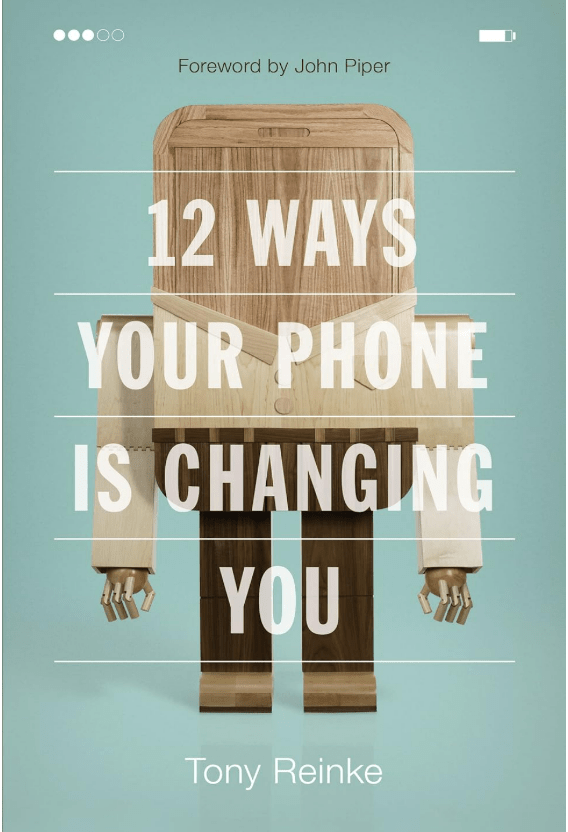
12 Ways Your Phone Is Changing You — Tony Reinke
Reinke writes from a thoughtful, faith-based perspective and asks questions I hadn’t thought to ask about my own phone habits — not just my kids’. This one is quieter and more reflective than Kardaras, and I found myself underlining almost every other page.
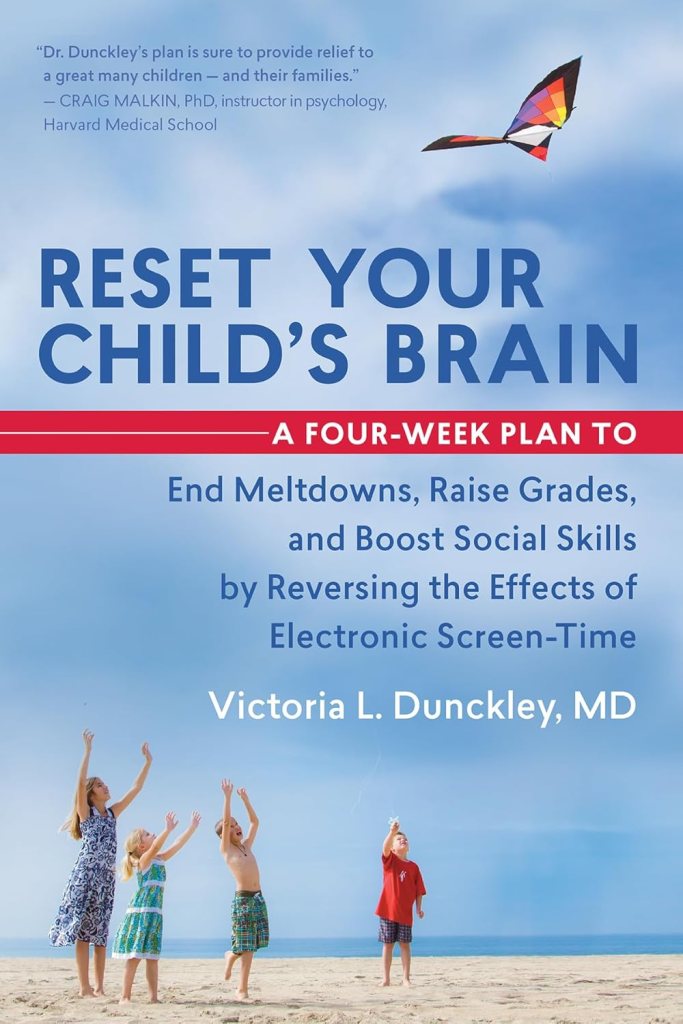
Reset Your Child’s Brain — Victoria L. Dunckley, MD
Dr. Dunckley is a child psychiatrist, and this book is the most practical of the three. If you’ve ever watched your child spiral after too much screen time and wondered what on earth just happened neurologically — this book will explain it clearly and give you an actual plan. Remarkable.
Note: These are affiliate links, which means I may earn a small commission at no extra cost to you. These are books I own, have actually read, and genuinely love.
The Bottom Line
Picasso once said that art washes away from the soul the dust of everyday life. I think about that a lot when I watch my kids create — with paintbrushes, with clay, with a design app, with their voices. The medium matters less than the making.
Screens are not the enemy of a joyful, creative homeschool life. Mindlessness is. Passivity is. The slow drift into consumption without intention is.
But you? You are paying attention. You asked the question. You’re thinking about this! That’s huge!
That’s already half the work.
I think you already know the answer. ✨
Share this post! Know a homeschool family who needs this? Send them this link!

 Homeschool With Joy